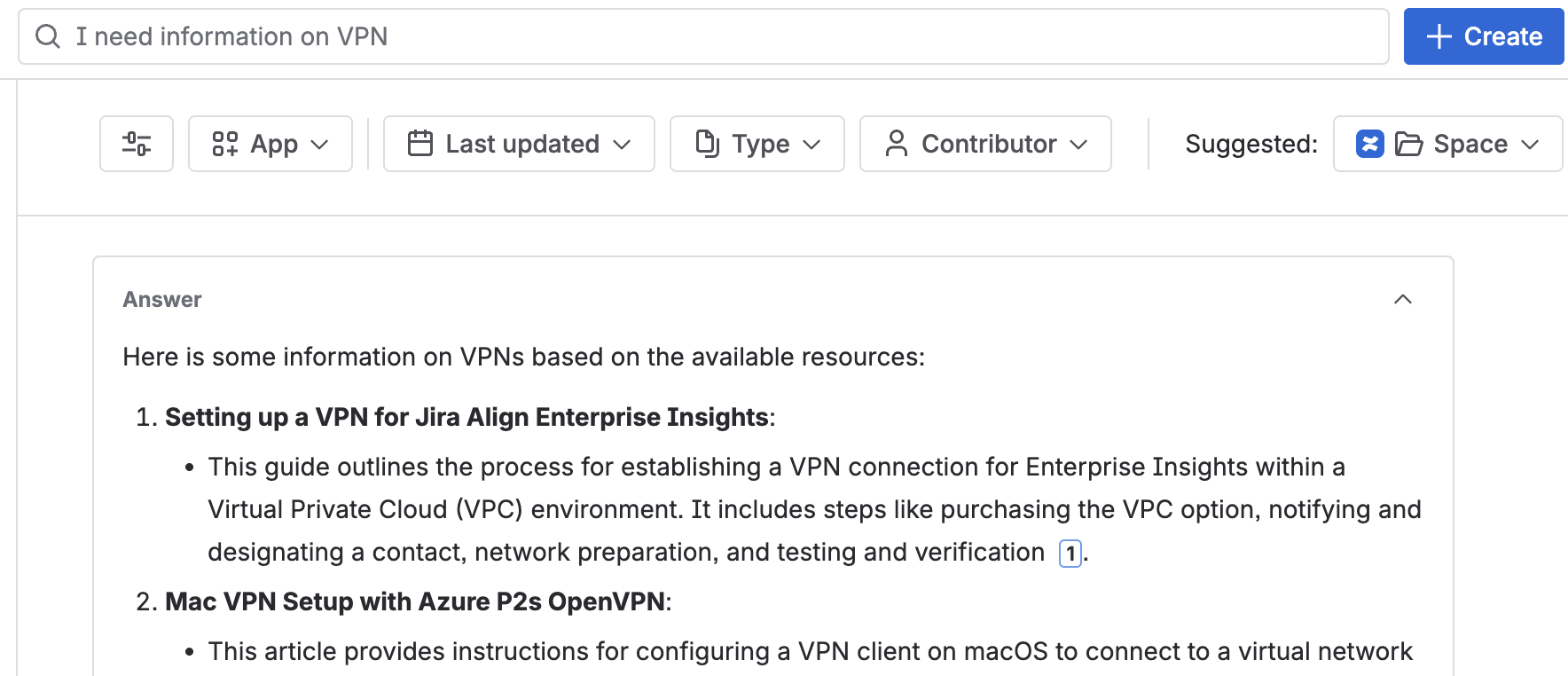
Personally I think Search is the single best feature of Rovo as “I can’t find something” is the most common complaint I hear about Confluence. Rovo expands our ability to search by accepting “natural language” queries - we don’t have to learn anything special, we just type in what we want to find.
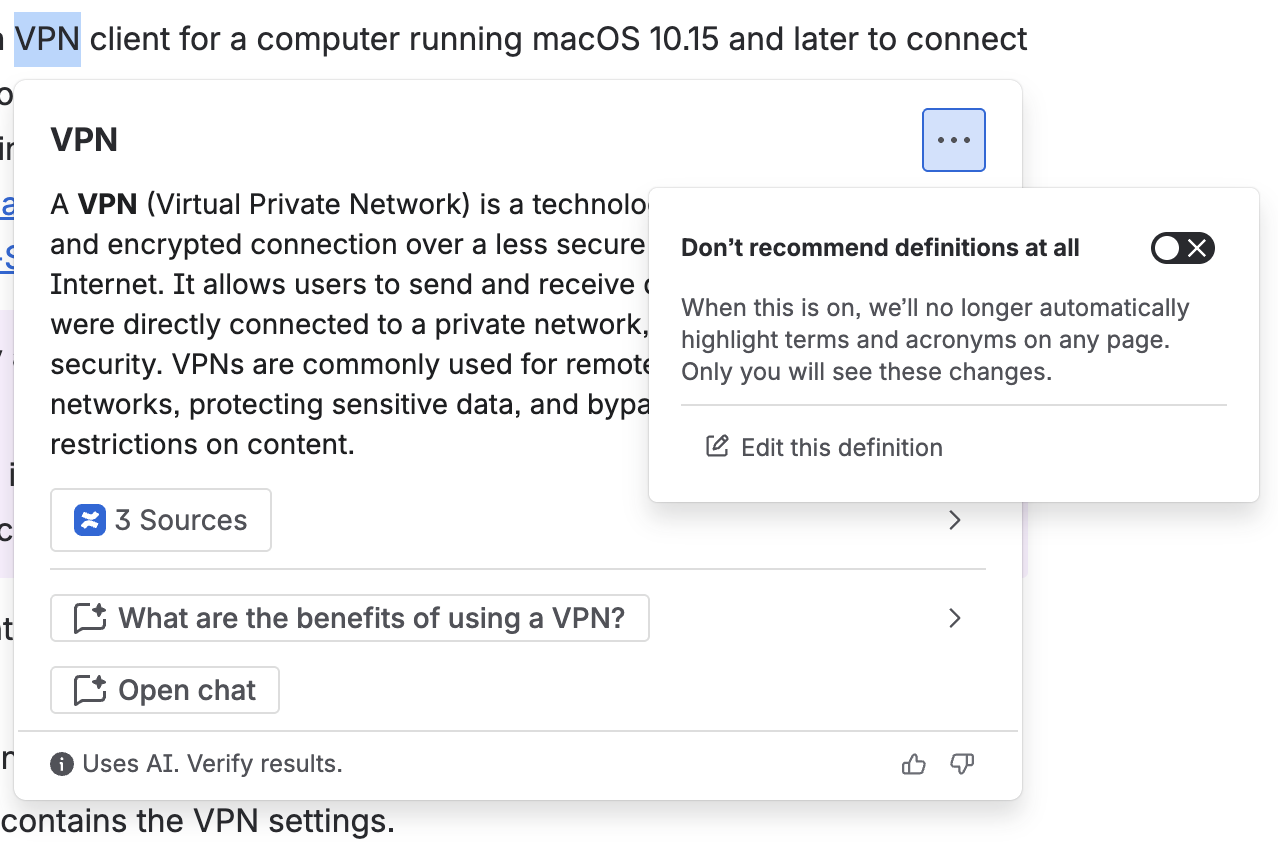
My personal favorite feature, Definitions, will attempt to define a term based on information available to Rovo. This is especially useful for terms unique to your team or organization as Rovo will have full context behind them. Just select some text on a page, click “define” and let Rovo do all the hard work. Even better, Rovo will cite sources so you can double-check it’s work! You can also edit definitions at the page, space and instance levels so if something needs to be changed, you can do that as well (note that you cannot restrict who can do this!).
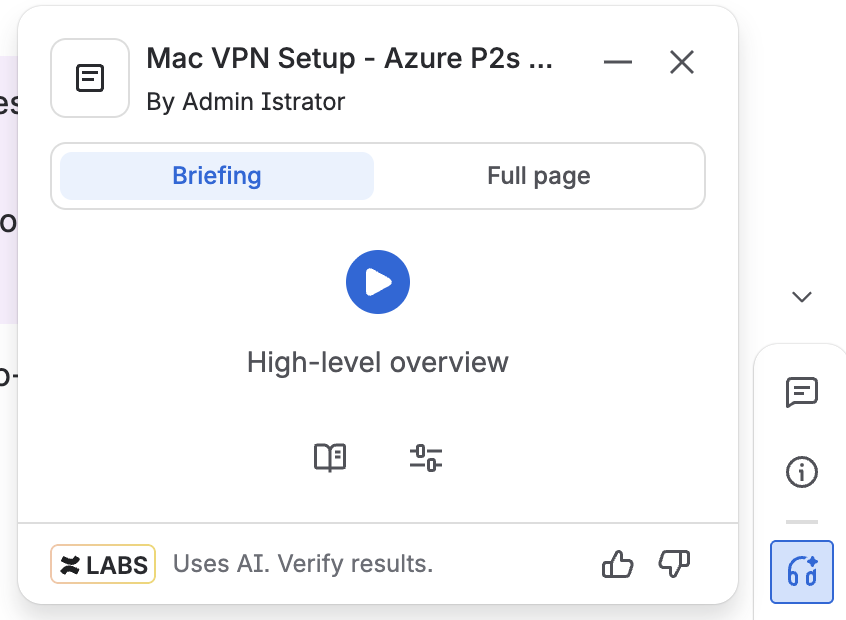
Rovo can be used to summarize a page, read the summary out loud and summarize changes since you last visited one. This is incredibly useful as it lets you quickly get up to speed, or determine if actually reading the whole thing is needed.
The audio summary is also useful for when you’re on-the-go, or if you’re a more auditory learner.
Getting a summary of changes since you last visited has saved me a LOT of time trying to dig through version histories.
Rovo can be used to generate multiple types of content, including (but likely not limited to)
Text on a page - prompt it like you would any other AI and Rovo can help draft text.
Stickies on a whiteboard - select some stickies as a starting point and Rovo can create more that are related to it.
Rovo can be used to group similar ideas on a whiteboard. Select any number of sticky notes and Rovo will put them into sections by group. I find this very useful as a brainstorming session as I’ll end up with a bit of a visual mess.