Confluence Tabs

Aug 31
Until recently Confluence did not have any native tab function. This resulted in groups either relying on other functions (like expand) or third party apps to add tabs to their pages.

That changed recently with the addition of the tabs macro!

What's the big deal?
Structuring content in Confluence is challenging. It comes with a wide range of different options for formatting content, but none of them (until now) allowed you to have clickable tabs that change the content on the screen.

This meant you would have to rely on other options... things like:

  1. Changing your content - Not having tabs could force you to restructure the content, or even change it entirely.
  2. Using other features - There are other features that help hide and show content in a page, however, none of them quite do what tabs can do. The "Expand" macro, for example, hides and shows content, but is easily missed if folks don't know to use it.
  3. Find a marketplace app - There are loads of great apps that add tabs to Confluence, however, this adds complexity as you have a(nother) app, and can add cost. Plus, many folks aren't admins so you can't add apps on your own.

How does it work?

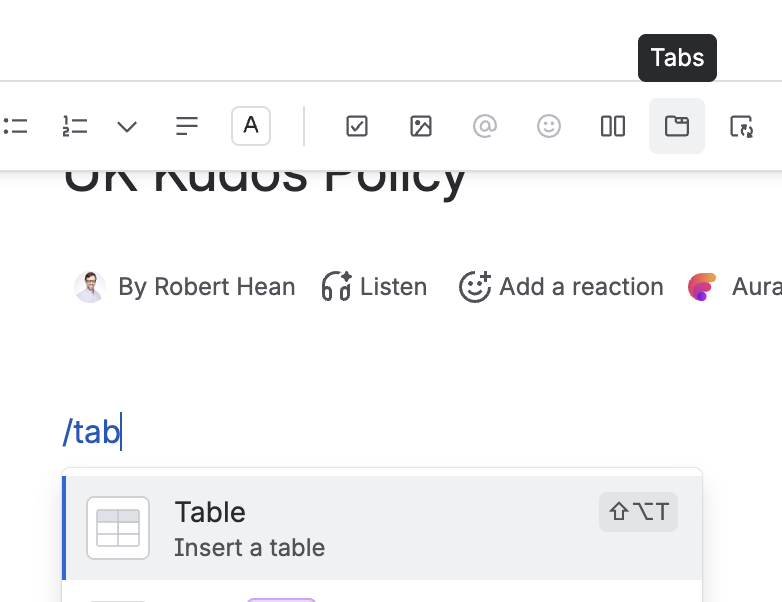
Tabs are really easy to use. Just open up a page and either click on the "tabs" button in the toolbar, or use the /tab slash command. Thats it!

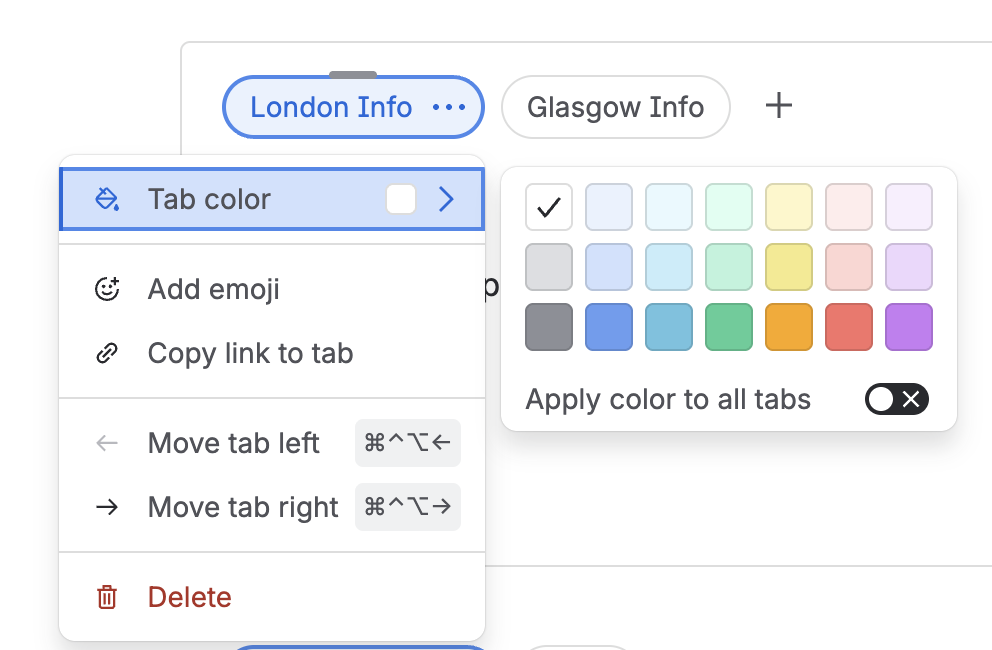
Once it's been inserted you can add additional tabs (I haven't found an upper limit and stopped after added 200!). You can rename them by double clicking on the name, add an emojji and reorder them as needed.

To add content just click on the tab in edit more and enter what ever you need. You can even link directly to specific tabs, making directing people to explicit content easy.

Get regular updates

Confluence Tips | Training | Stay connected

Thank you!

My thoughts

Personally I really like this feature. It's easy to use (it even shows up in the toolbar), and provides a very useful function for many folks.

The ability to link directly to a specific tab is also a great feature since it means you can easily direct people to the right info easily.

I am curious to see how folks use it along with other macros, and how it helps change how content is created and shared. I do see some risk of folks adding too many tabs (a scroll bar does appear if there's more than the width of the bar), but I think folks will adjust well.

Check out the short (below) to see it in action!
Created with