Triage is the process of reviewing a ticket to ensure critical information is present. This allows the ticket to be easily routed to the most appropriate resource, or to be placed in a lower priority slot to ensure other work can be accomplished.
Typically this is performed by the first person to touch a ticket and has a limited scope (e.g. only focus on a few specific fields). This process is especially important in higher-volume environments are more critical tickets can easily be lost in the shuffle.
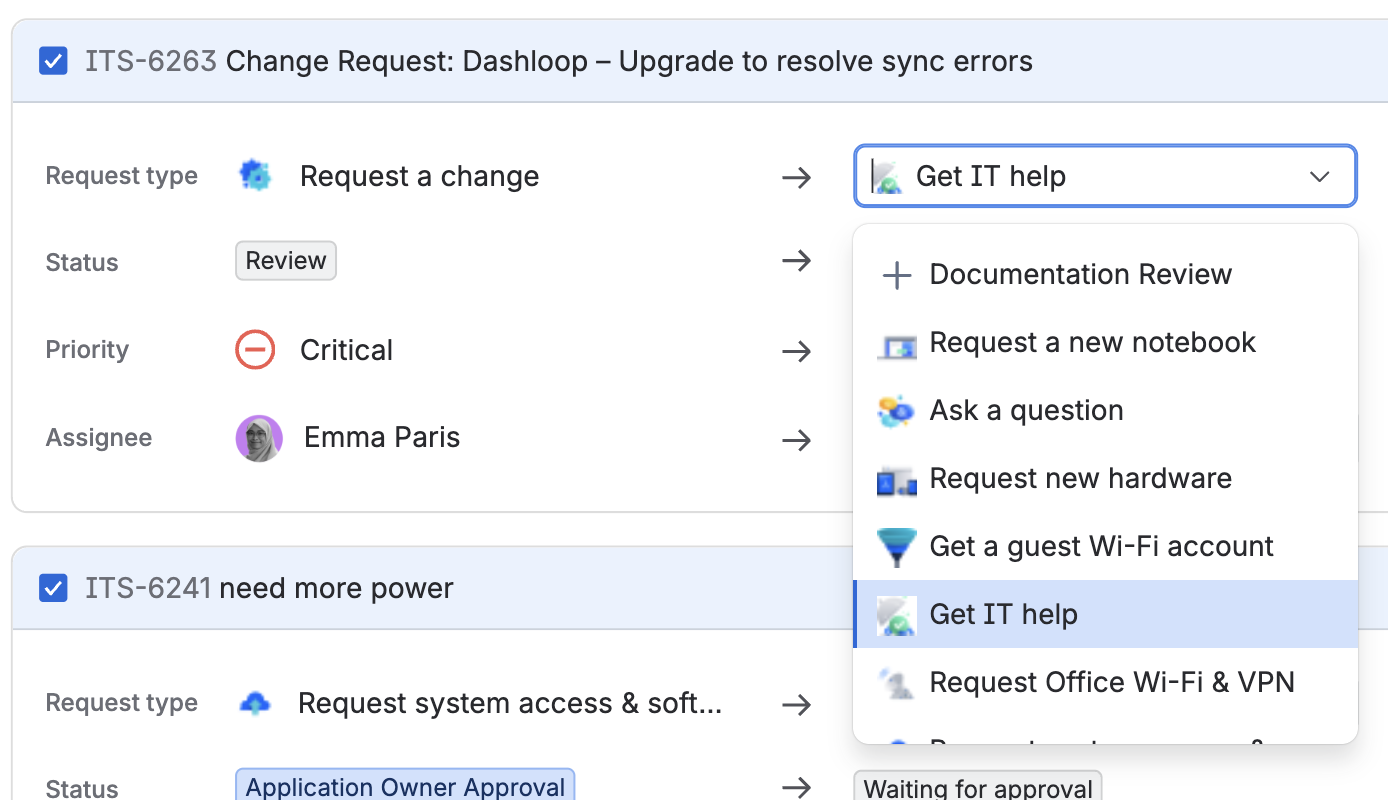
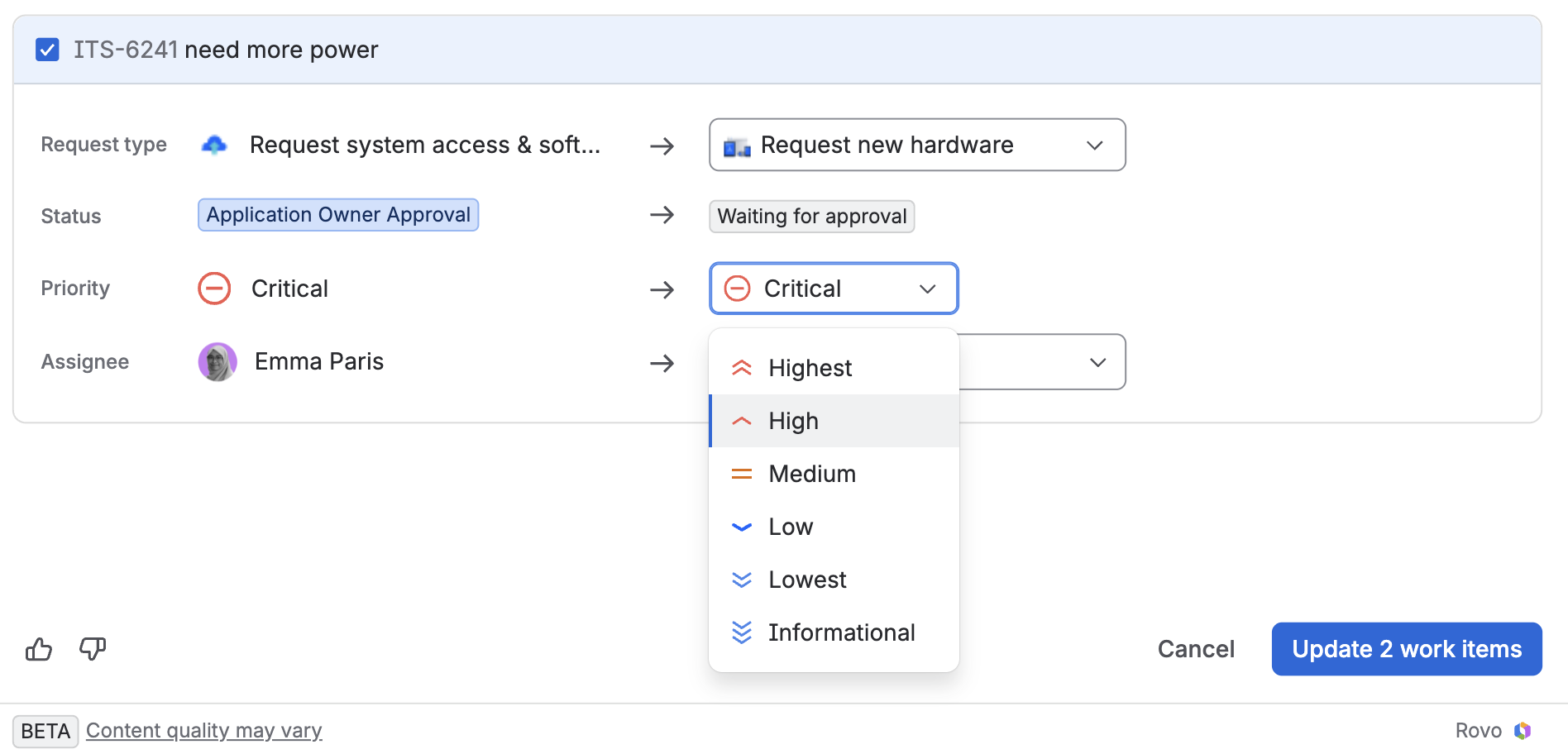
The "Triage" feature only appears in the top right of Jira Service Management queues. Clicking it will bring up the "Triage work items' Screen, which lists all the tickets in the queue and uses Atlassian Intelligence to suggest updated/corrected values for several fields.
The feature is primarily focused on determining the best Request Type for the ticket. For example, it may suggest changing it from "Request a change" to "Get IT Help". Since Request Types are linked to Work Types, the change in Request Type may then also lead to a change in status. Priority and Assignee are also included in the menu, but the Triage tool won't suggest changes.
Agents can choose to accept the recommendation, or change it manually and then quickly move onto the next ticket.
This feature does require Atlassian Intelligence to be enabled, so if your org doesn't have it turned on, this won't work!